How To Prepare Data for Legacy System Conversion
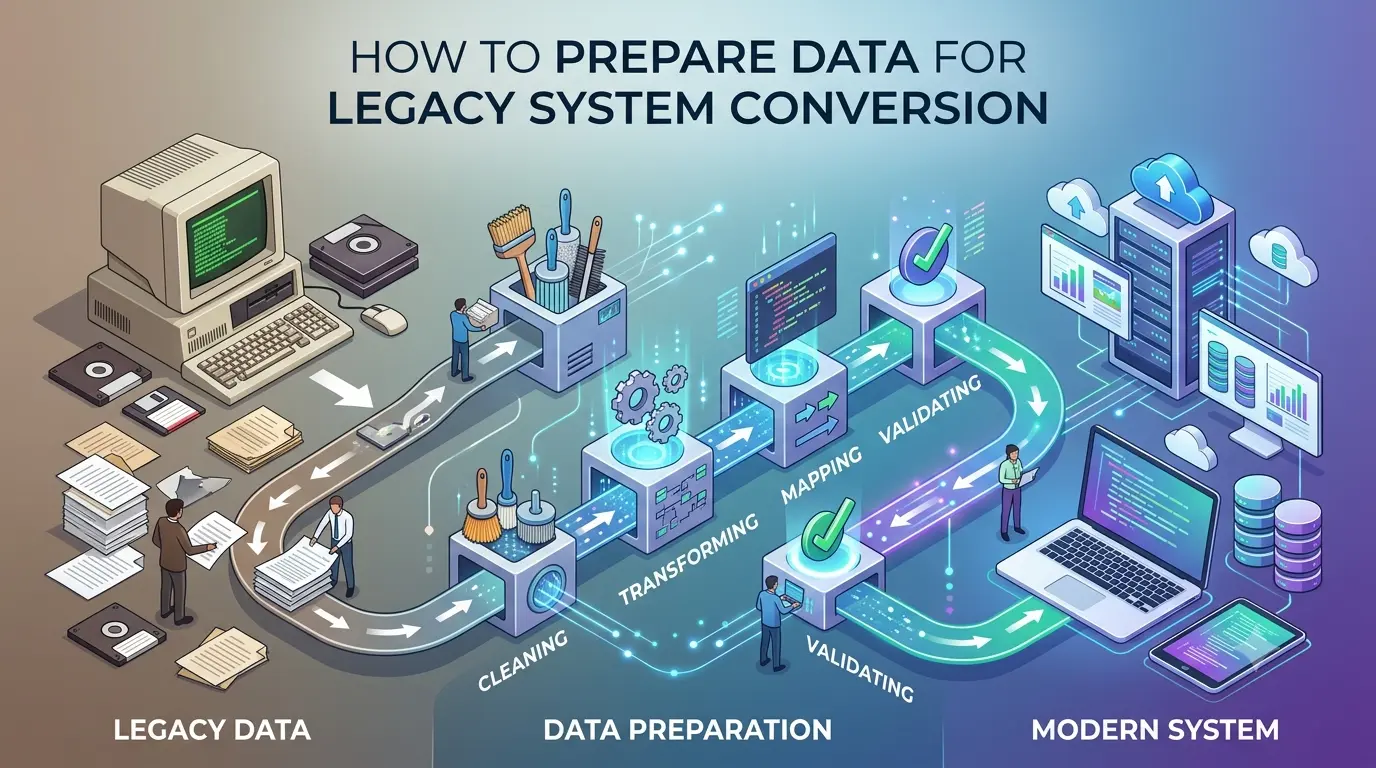
Preparing data properly before a legacy system conversion is one of the most important factors in the success of any migration project. Organizations often focus on the conversion itself while overlooking the quality and consistency of the source data. Historical records may exist across spreadsheets, PDFs, scanned documents, text files, and legacy databases, each with different structures and business rules. Taking the time to organize source files, define field mappings, identify exceptions, and establish validation requirements significantly reduces project risk. Good preparation leads to faster processing, fewer errors, and cleaner data that can be confidently imported into modern business systems.
Need help extracting valuable business records trapped inside legacy documents?
Historical PDFs, scanned documents, reports, and spreadsheets contain information your business depends on—but it's difficult to search and even harder to analyze. We convert legacy documents into accurate, database-ready datasets, making your data instantly searchable, easier to manage, and ready for modern business applications.
Understand your existing data sources
The first step in preparing for a legacy system conversion is identifying every location where business data is stored. Information may exist in legacy databases, spreadsheets, scanned PDFs, text reports, archived documents, or proprietary software exports. Understanding the source systems helps determine the scope of the project and reveals potential challenges before conversion begins.
Start with representative samples
Instead of providing only a few clean examples, collect representative samples that reflect the full range of your production data. Include files from different years, departments, document templates, and reporting periods. Real-world datasets often contain variations, exceptions, and formatting inconsistencies that are not visible in a single sample. Representative data allows extraction rules to be designed for every scenario rather than only the ideal cases.
Identify document variations early
Many organizations assume all documents follow the same layout when, in reality, formats evolve over time. New software versions, mergers, branding updates, or departmental changes may introduce different headers, table structures, field names, and coding conventions. Identifying these variations early helps avoid unexpected processing failures during large-scale conversions.
Clean obvious data quality issues
While data cleansing is often performed during migration, resolving obvious issues beforehand saves considerable time. Remove duplicate files, identify corrupted documents, eliminate unnecessary columns, and correct known formatting problems where possible. Improving source quality before processing increases conversion accuracy and reduces manual review.
Prepare field mapping documentation
Every destination field should have a clearly defined source. Creating a field mapping document establishes how information from the legacy system will populate the new database or application. Include field names, data types, expected formats, transformation rules, default values, and any required calculations. Proper mapping minimizes confusion during implementation and simplifies testing.
What to prepare before conversion starts
- Representative sample files from every document type.
- Target field list or destination database schema.
- Field mapping documentation for every source column.
- Examples of known data quality issues and exceptions.
- Expected output format such as CSV, Excel, JSON, or SQL tables.
- Validation rules for mandatory fields and acceptable values.
- Business rules for data transformations and calculations.
- Lists of deprecated codes, abbreviations, or legacy terminology.
Define validation requirements
Successful conversions include validation from the beginning rather than treating it as a final step. Decide how record counts will be verified, how totals will be compared, which fields are mandatory, and what level of accuracy is required. Establishing validation procedures before processing begins makes it easier to identify discrepancies and confirm that the converted data matches the original source.
Perform a pilot conversion
Before converting the entire dataset, process a small but representative subset of records. A pilot conversion verifies extraction logic, field mappings, transformation rules, and output formatting while exposing unexpected issues that can be corrected before production. Pilot testing is one of the most effective ways to reduce risk in large migration projects.
Communicate with business stakeholders
Technical teams often understand how data is stored, but business users understand how the information is actually used. Involving stakeholders during planning helps clarify business rules, identify critical fields, explain historical exceptions, and establish acceptance criteria. This collaboration ensures that the converted data supports real business operations after migration.
Why preparation saves time
Well-prepared projects consistently deliver better results than projects that begin with incomplete planning. When source patterns, field mappings, validation requirements, and output expectations are clearly documented, the conversion process becomes faster, more predictable, and easier to automate. Teams spend less time resolving unexpected issues, manual corrections are minimized, and the final structured dataset is more accurate. Investing additional effort in preparation ultimately reduces project costs, shortens implementation timelines, and increases confidence in the migrated data.
Turn your documents into valuable business data.
From historical archives and scanned PDFs to invoices, engineering reports, and spreadsheets, we help businesses transform complex documents into structured, database-ready information with thorough validation and quality assurance. No matter the size of your project, we're ready to help.