Latest Article
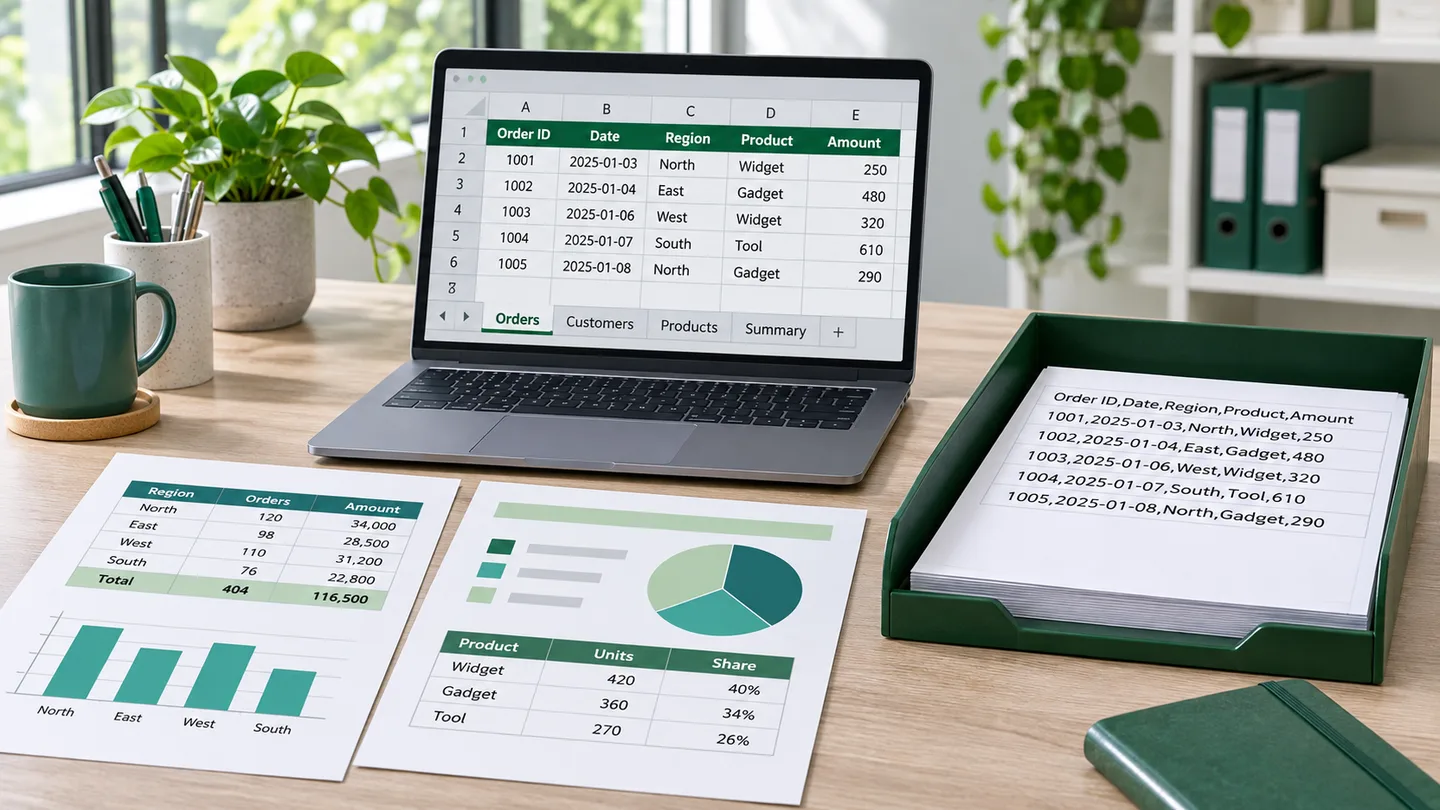
How to Automate Excel-to-CSV Conversion for Business Reports
Build a repeatable Excel-to-CSV workflow for multiple sheets. Preserve dates and IDs, handle formulas, and check the output before importing it.
Read articlePlan PDF, Excel and legacy report conversion, check your output, and decide whether a custom in-house application fits your workflow.
Build a repeatable Excel-to-CSV workflow for multiple sheets. Preserve dates and IDs, handle formulas, and check the output before importing it.
Read article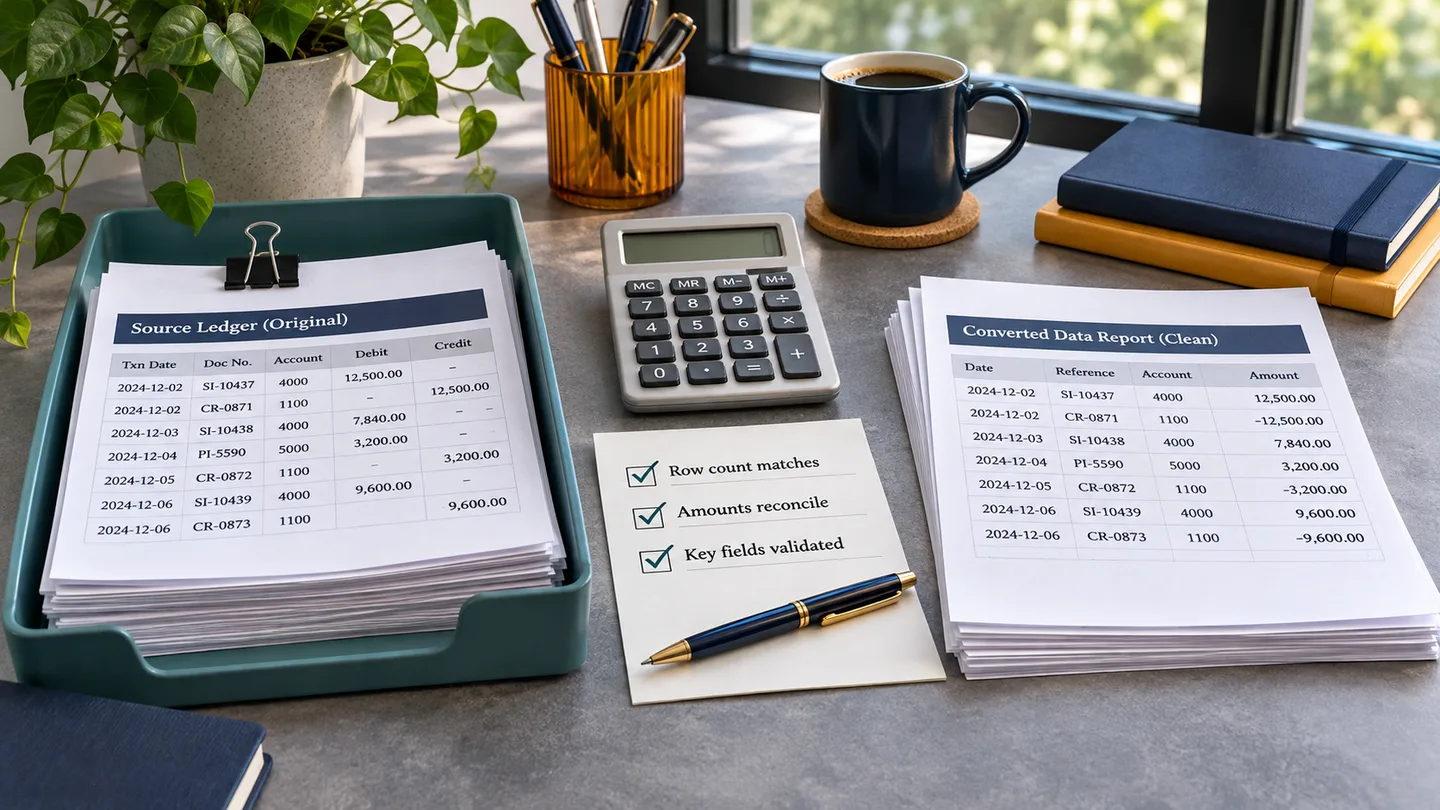
Verify a data conversion before import. Reconcile counts and totals, check identifiers and dates, review exceptions, and test against the original files.
Read article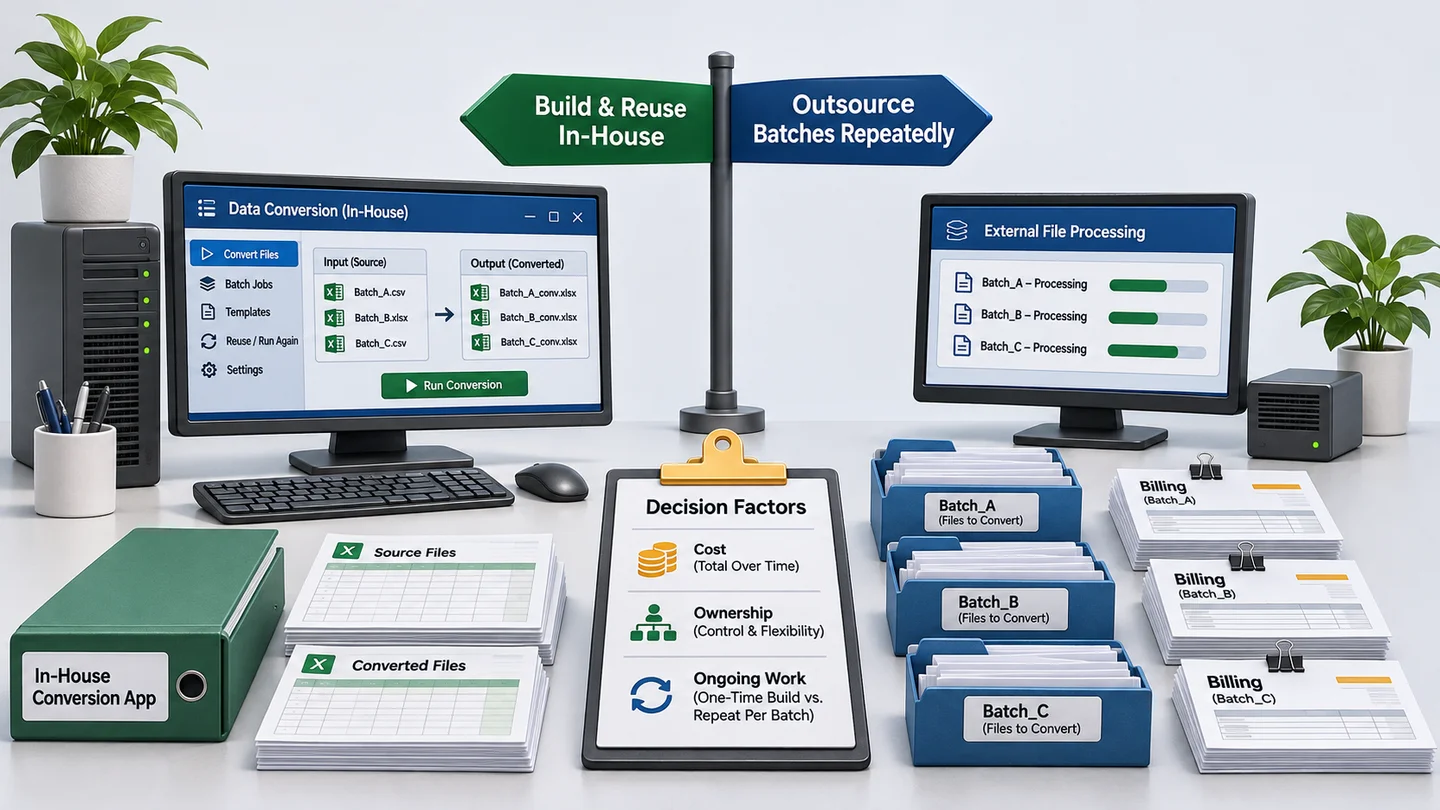
Compare in-house conversion software with outsourcing: recurring costs, data privacy, ownership and support. Check trial results before buying an application.
Read article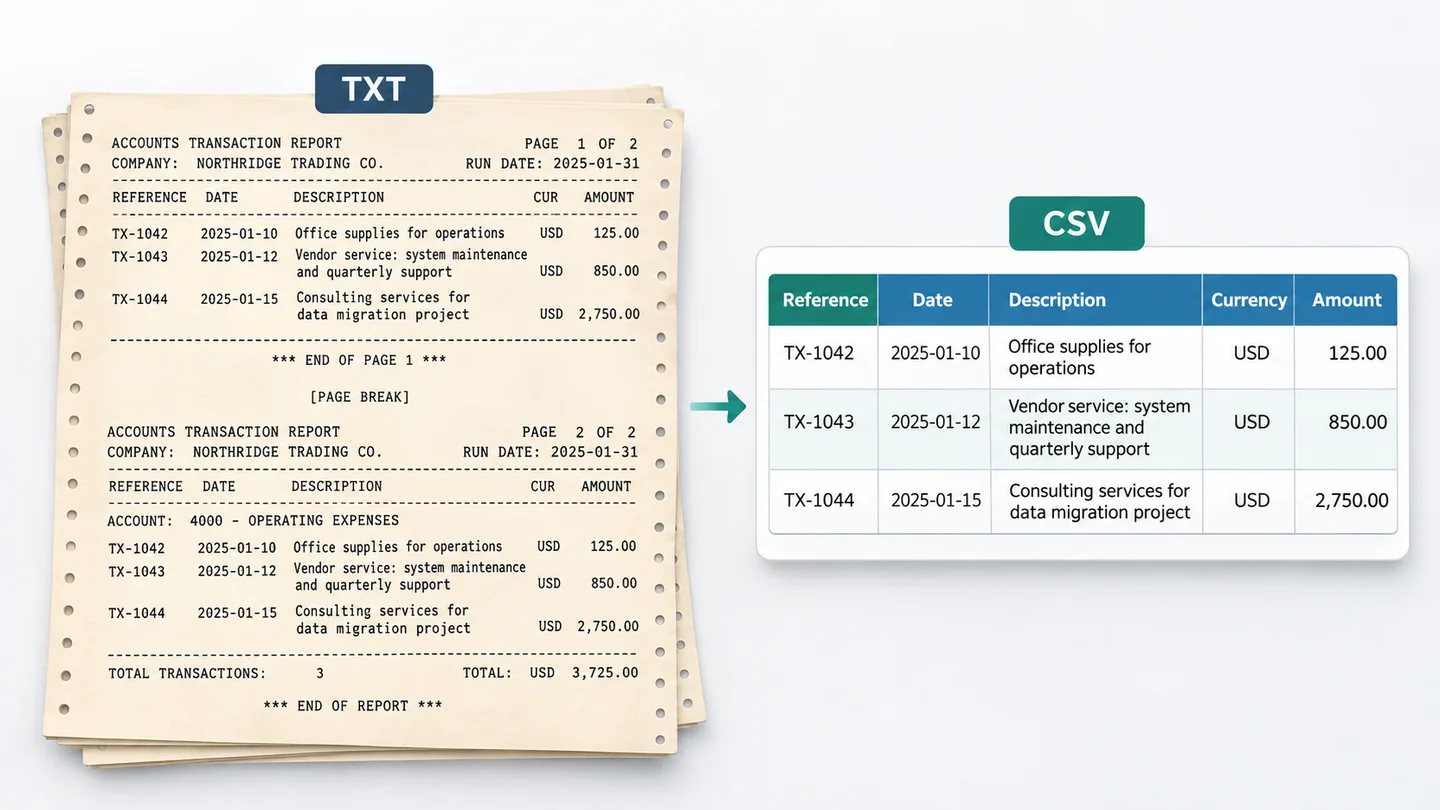
Convert fixed-width text reports into CSV without losing leading zeros, wrapped descriptions or amounts. Learn how to separate records from page headings.
Read article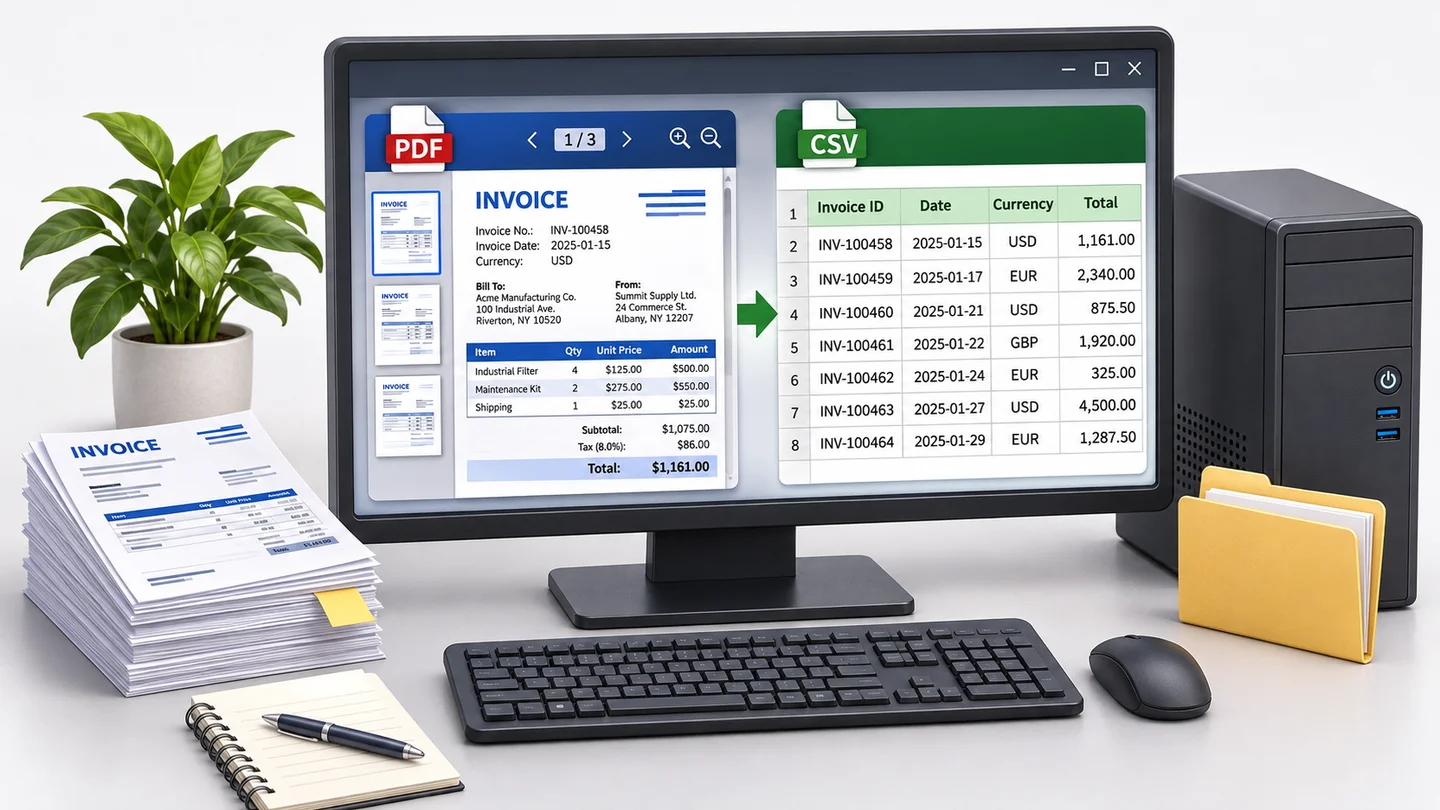
Extract invoice fields and line items from PDFs into CSV on your own systems. Plan sample files, output columns and checks for an in-house application.
Read article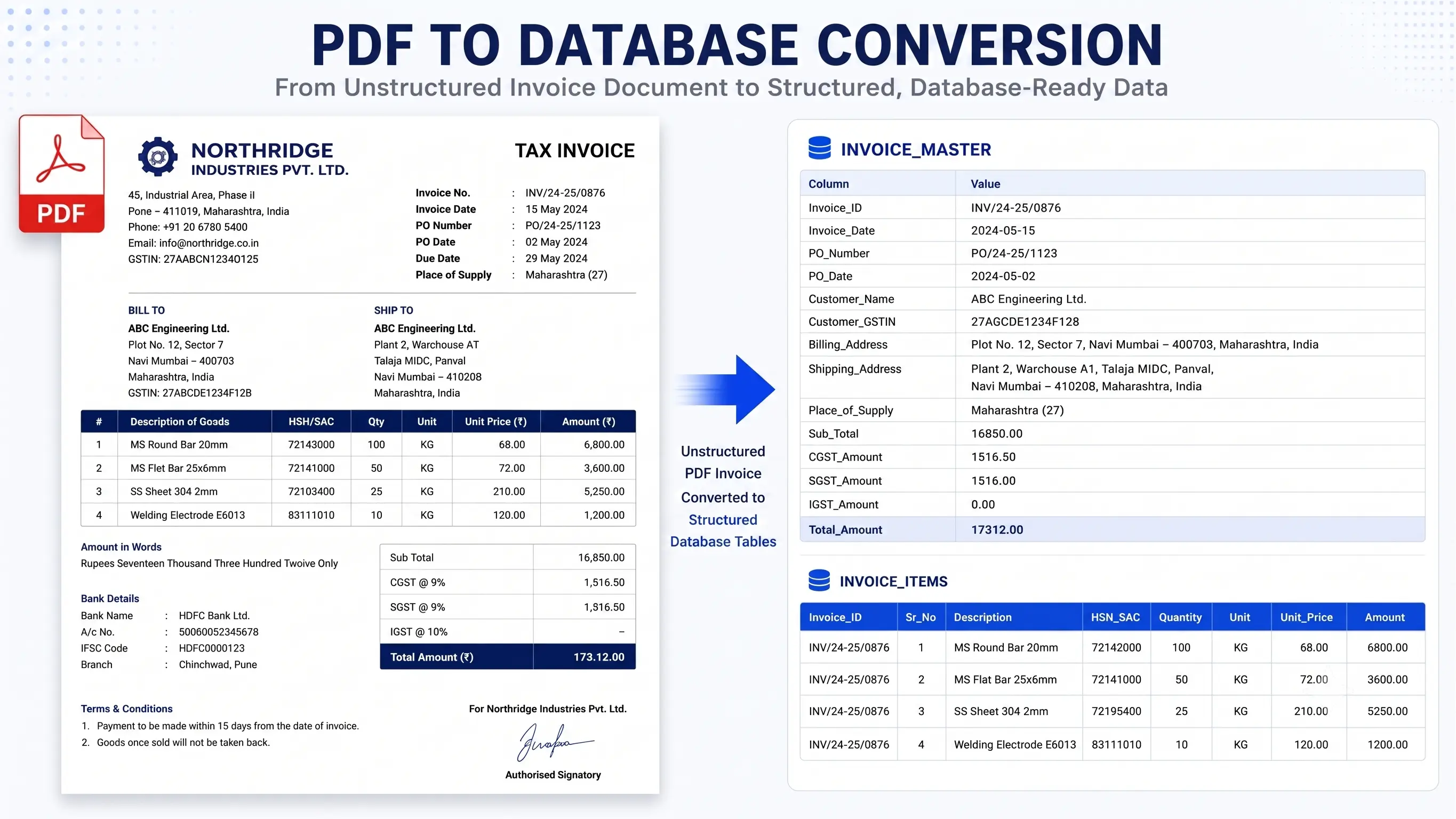
Follow the PDF-to-database workflow: inspect files, extract fields, clean values, validate records and prepare an import. Learn where OCR and CSV fit in.
Read article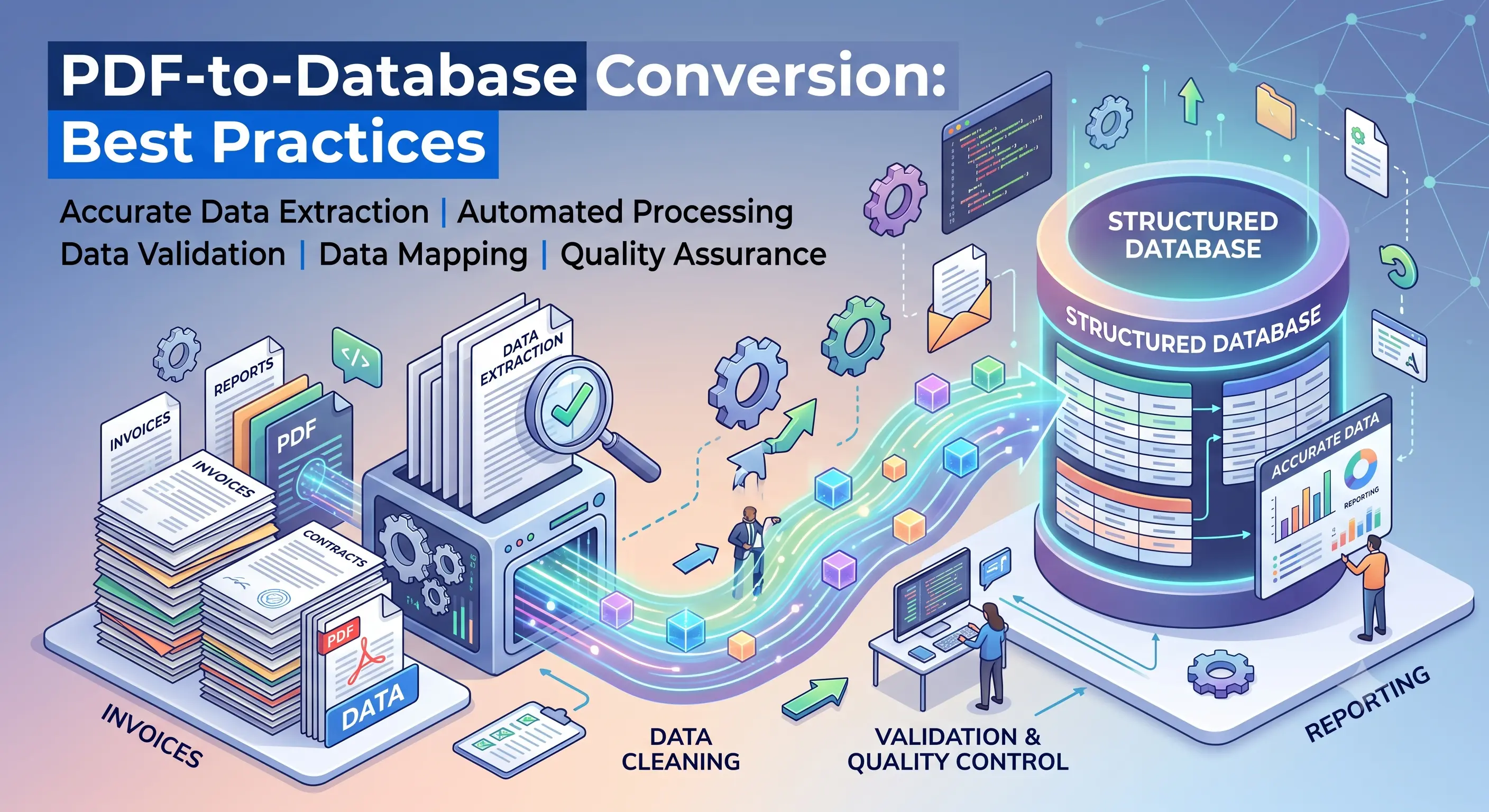
Avoid lost rows, broken tables and incorrect values when converting PDFs for a database. Review layout analysis, OCR checks, field mapping and validation.
Read article