Custom Data Conversion Software or Outsourcing: Which Fits Your Workflow?
By Abhay Mishra | Updated
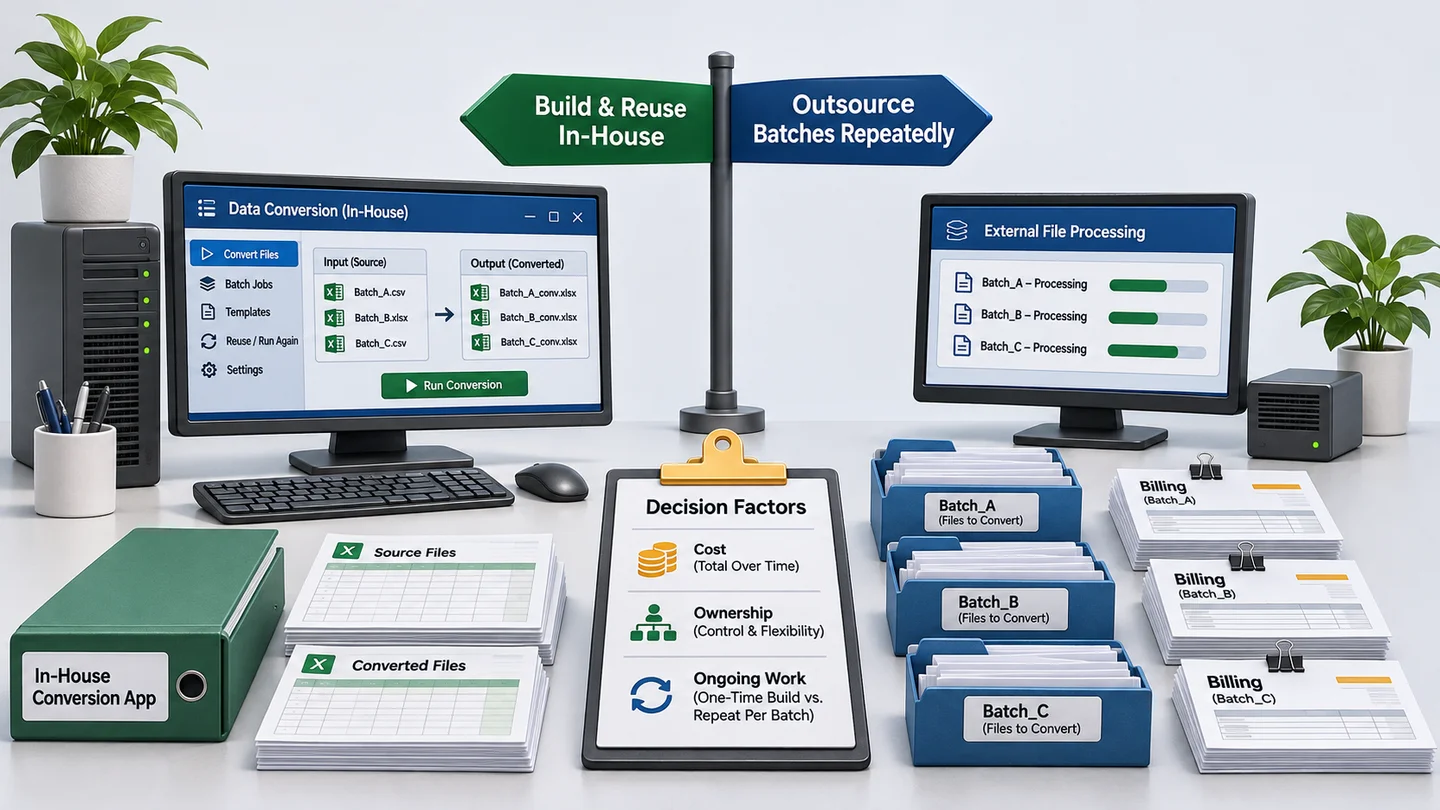
The right way to handle file conversion depends on how often the work repeats, how much the layouts vary and where the data is allowed to be processed. A custom application can give your team a reusable process on its own systems. Outsourcing can make sense when the work is occasional or needs specialist review that your team cannot provide. Compare the actual workflow and responsibilities before comparing prices. A one-time software quote and a managed processing service may include very different things.
Need a repeatable way to process your business files?
Get an application built around your sample files and required output. Test the conversion logic with a free trial that processes up to 5 files at a time, then receive a one-time quote for the full application to run on your own computer or company server.
Start with how often the work repeats
A reusable application is worth considering when your team receives similar files every week or month and needs the same fields in the same output format. The development effort establishes rules that can be reused for later batches. A one-off archive with many unrelated document types may require a different approach, particularly if individual records need human interpretation. List your recurring tasks separately from exceptional or one-time work so the quote reflects the right problem.
Compare the complete cost of each approach
For outsourcing, ask what is included in each batch price: transfer, extraction, validation, corrections and delivery. For custom software, include the application quote, any needed hardware, installation, internal review time and future changes. A one-time application can cost less than repeatedly outsourcing a stable task, but that is a comparison to calculate from your own volumes and quotes. It is not a guaranteed saving for every project.
- How many batches do you expect, and over what period?
- Which fees repeat when another batch arrives?
- Who reviews exceptions and corrects rejected records?
- What happens when the source layout or destination schema changes?
Separate production-data privacy from sample sharing
An in-house application can process production files on your own computer or server, removing the need to send each production batch to a conversion provider. Building it still requires understanding the source layout. Discuss whether anonymized representative samples are sufficient and arrange an NDA before sharing sensitive material. Local deployment does not replace your company's access controls, backups or secure handling of logs and temporary files. Those responsibilities should be clear whichever approach you choose.
Clarify what ownership and lifetime use mean
Receiving a working application is not automatically the same as receiving its source code or all intellectual-property rights. Ask what the license allows: which machines may run it, whether server deployment is included and whether source-code handover is part of the quote. Lifetime use for agreed formats should also be distinguished from unlimited future development, operating-system compatibility updates and ongoing support. Document those terms before payment so both parties understand what the one-time price covers.
Use the trial to evaluate results and operation
A trial should show the actual converted files, not only a demonstration screen. For this service, the custom trial application is free and processes up to five files at a time. Compare the output with the source, check your required fields and try an example with a known exception. Where possible, involve the person who will run the application and the team that will import its output. The trial proves the agreed conversion logic before you buy the full version; it does not promise that every unfamiliar future layout will work automatically.
Know when managed processing may fit better
Outsourcing may be a practical choice if your documents change constantly, the job is unlikely to repeat, or the work needs extensive human review and you do not want to operate software internally. A hybrid approach is also possible: automate stable layouts in-house and review unusual documents separately. The useful question is which arrangement gives you acceptable output, manageable responsibilities and an understandable cost for the work you actually have.
Prepare a brief that makes quotes comparable
Give each provider the same representative layouts, required fields and acceptance criteria. State whether you need one row per document or per line item, which output system will receive the data and how exceptions must be reported. Identify the operating environment and any restrictions on file transfer or internet access. Ask for revisions, deployment assistance and support to be described separately, so a lower initial quote does not conceal a different scope.
- Representative samples and the known layout variations.
- Expected batch frequency, approximate volume and typical file size.
- Output columns, data formats and validation rules.
- Deployment, licensing, confidentiality and support requirements.
Start by describing one repeatable task
You do not need to commit to replacing an entire workflow at once. Start with one recurring file type and the output your team needs. Review a free trial, agree on its results and then consider the one-time quote for the full application. You can begin with a conversation without uploading any files. That makes it easier to establish whether custom software is a sensible fit before sharing samples or planning a larger project.
Get a custom application for your files.
Describe the files you work with and the output you need. A free custom trial lets you check the result before buying the full application. Process future batches in-house with no per-file conversion fee for the agreed formats.