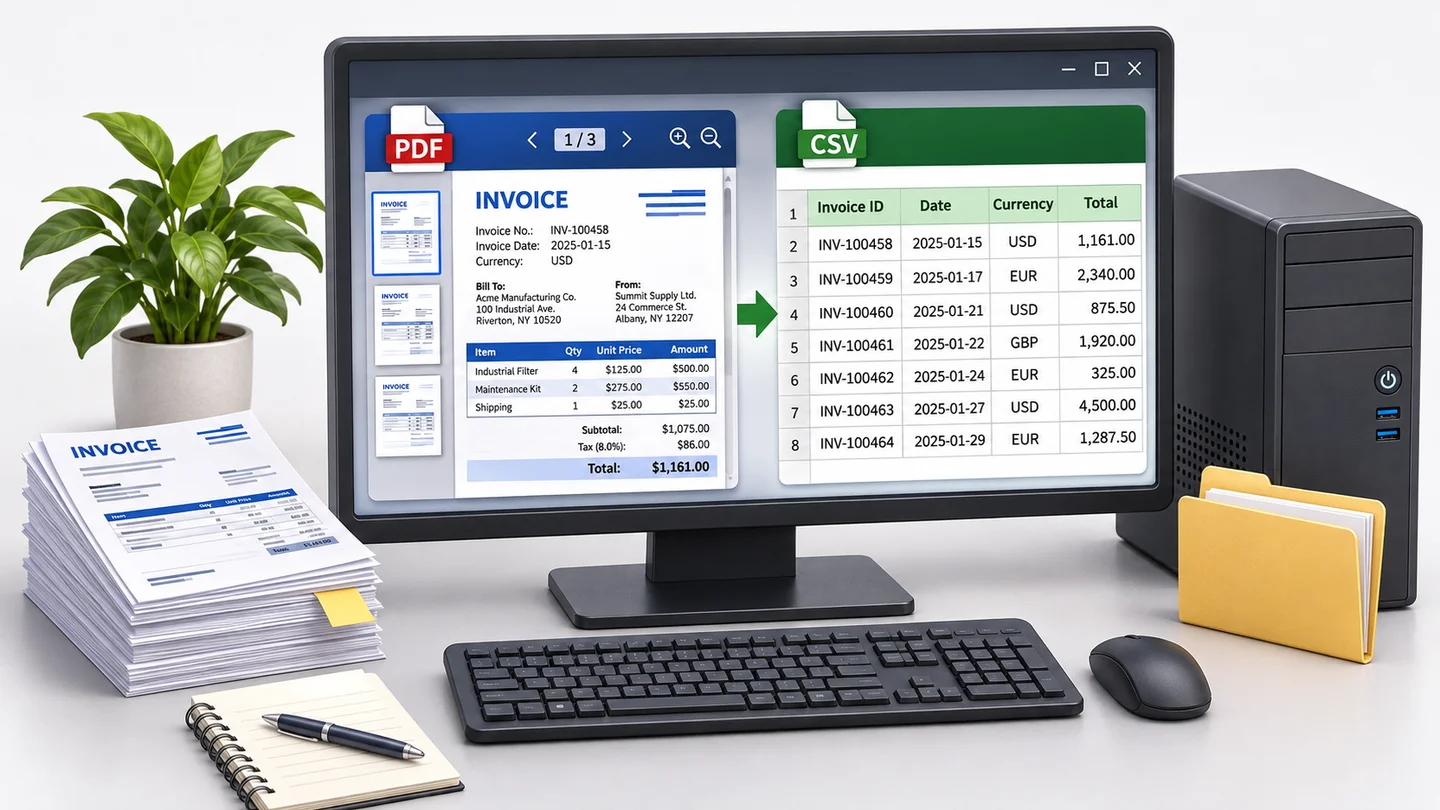
Offline PDF Invoice Processing: From Documents to CSV
By Abhay Mishra | Updated
If your team opens the same kinds of PDF invoices every week and copies values into a spreadsheet, the work may be a good candidate for a custom application. The aim is a repeatable process: select a batch, extract the agreed business fields, check the results and save a CSV on your own system. The difficult part is understanding how your documents represent invoices, line items and exceptions. A useful trial should prove those rules on representative files before you commit to the full application.
Need a repeatable way to process your business files?
Get an application built around your sample files and required output. Test the conversion logic with a free trial that processes up to 5 files at a time, then receive a one-time quote for the full application to run on your own computer or company server.
Decide what one output row represents
An invoice is not always a single record. An accounts team may need one row per invoice, while a purchasing team may need one row per line item. If an invoice has eight products, the second approach produces eight rows with the invoice number repeated beside each product. Agree on that structure first. It determines how the application joins information across pages, checks totals and prepares the file for your destination system.
- Invoice-level fields: invoice ID, invoice date, supplier, customer, currency and totals.
- Line-level fields: product code, description, quantity, unit price and line amount.
- Keep supplier and customer details separate, even when both appear in similar address blocks.
Review digital PDFs and scanned invoices separately
A PDF generated by accounting software may contain selectable text. A scanned invoice may contain only an image and need optical character recognition, or OCR. Some archives contain both. Review these groups separately rather than assuming that one extraction method will cover every file. With scans, skewed pages and background noise can affect recognition, so the trial should include the actual scan quality your team receives. Poorly recognized values should be identified for review rather than silently treated as reliable data.
Define each field without losing its meaning
A field mapping should describe more than the column name. Specify whether a date means invoice date or payment due date. Preserve leading zeros in account and product identifiers. Agree on decimal separators, credit-note signs and how discounts or shipping charges are represented. Keep currency in its own column. An amount of 1,250.00 EUR and an amount of 1,250.00 USD must remain distinguishable, even if the source documents use only a currency symbol.
Check the business records, not just the appearance
A tidy spreadsheet can still contain incorrect data. Check whether every source invoice is accounted for, whether line items remain attached to the correct invoice and whether the agreed totals reconcile. These checks must reflect the document rules: tax rounding, discounts and credit notes can make a simplistic quantity-times-price check insufficient. An exception report should identify files that could not be processed and explain which checks failed. Page numbers and repeated print headers should not become invoice records.
- Compare document and record counts using the agreed invoice or line-item structure.
- Reconcile amounts within each currency rather than combining unrelated currencies.
- Review missing fields, duplicates and unsupported layouts before importing the output.
Test the trial with representative and unfamiliar files
Select samples from different suppliers, reporting periods and layouts. Include multipage invoices, longer descriptions and at least one known exception. A custom trial application can process up to five files at a time so you can compare its CSV against the originals. Where practical, test another representative file that was not used to develop the extraction rules. This helps distinguish a repeatable process from a result that works only on the original examples.
Agree on the in-house deployment
Confirm the operating system, input folder, output location and any installation requirements before delivery. If offline operation is required, agree on that explicitly and check any OCR or other dependencies. Your IT team should understand where temporary files and logs are stored, who can access them and how the application and results will be backed up. Keeping production processing in-house reduces the need to transfer files to a conversion provider, but access controls and secure handling still matter.
Plan for the next batch and the next layout
A reusable application is most valuable when the work repeats. Agree on how it handles a file processed twice, where it writes the converted output and how it reports an unfamiliar layout. A one-time software purchase can cover lifetime use for the agreed formats, while new supplier templates or additional features may require separately scoped changes. The quote should explain that boundary, along with revisions and support, before you pay.
Explore a sample or discuss your invoices
The processing examples on this website include a downloadable PDF and its matching CSV. They demonstrate the kind of structured output you can inspect before buying custom software. Your own application would use the fields and rules agreed for your documents. You can start by describing the workflow without uploading files, and discuss an NDA before sharing sensitive samples.
Further reading
Get a custom application for your files.
Describe the files you work with and the output you need. A free custom trial lets you check the result before buying the full application. Process future batches in-house with no per-file conversion fee for the agreed formats.